 information
from the main page
What is Picotron?
Picotron is a Fantasy Workstation: a self-contained creative environment built for imaginary hardware. Create and share cute Lua apps that can run on the Picotron desktop, be shared as cartridge files, or exported as stand-alone HTML and binary distributables.
Specifications
Display: 480x270
Picotron comes with a 480x270 64-colour display, which can also run at 240x135 or 160x90 and with custom palettes in fullscreen mode. The built-in graphics api gives versatile low-level access to the display, with features like 8x8 fill patterns, palette swapping and blending, stencil bits and tline3d for rasterizing perspective correct textures.
Cosy Filesystem
Picotron uses a virtual filesystem that only exposes parts of your host system as needed. All files inside Picotron are in a special format (POD: Picotron Object Data) that allows Lua tables to be directly stored and fetched from disk. Storing data like save games and level data is simple: bundle everything into a Lua table and store() it as a pod.
Audio: PFX6416
All of the audio in Picotron is generated in realtime by a purpose-built 64-node, 16 channel synthesizer called PFX6416. Nodes can either generate a signal from a wavetable, or modify it using FM/RING modulation, delay, HP/LP resonant filters and wave-shaping. Instruments and music/tracker data in Picotron are extremely tiny on disk; a piece of music with custom instrument design can be stored in 5~20k.
8M inst/sec
Picotron uses a separate (slightly modified) Lua 5.4 vm per "process", and virtual cpu is divided up between processes for a maximum of 8M vm instructions per second. This means that Picotron cartridges can run at a consistent speed across varying platforms; if it runs ok on a high-end desktop machine, it will look roughly the same running under web on an old netbook.
256K Cartridges
Applications, projects and distributable bundles are all the same type of thing in Picotron: a cartridge. Each cartridge acts like a regular folder and contains all of the source files and resources needed to run the program. On the host system it is stored as a single git-friendly text file (.p64: any size that fits in ram), or a shareable png format (.p64.png: max 256k of ROM data).
More information
Fantasy Desktop
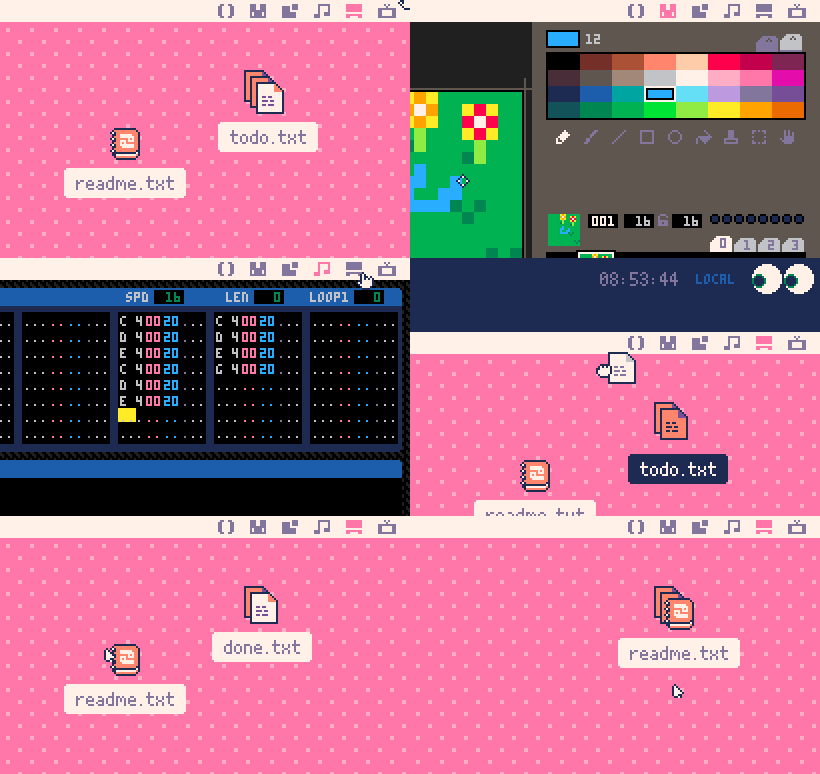
Picotron comes with a cute desktop interface featuring tabbed workspaces and a fold-out tooltray that is accessible from any workspace. The tooltray acts as a second desktop for handy access to frequently used files and widgets. Files can also be dropped on top of each other to form tidy stacks that are shuffleable with the mousewheel.
Bundled Tools
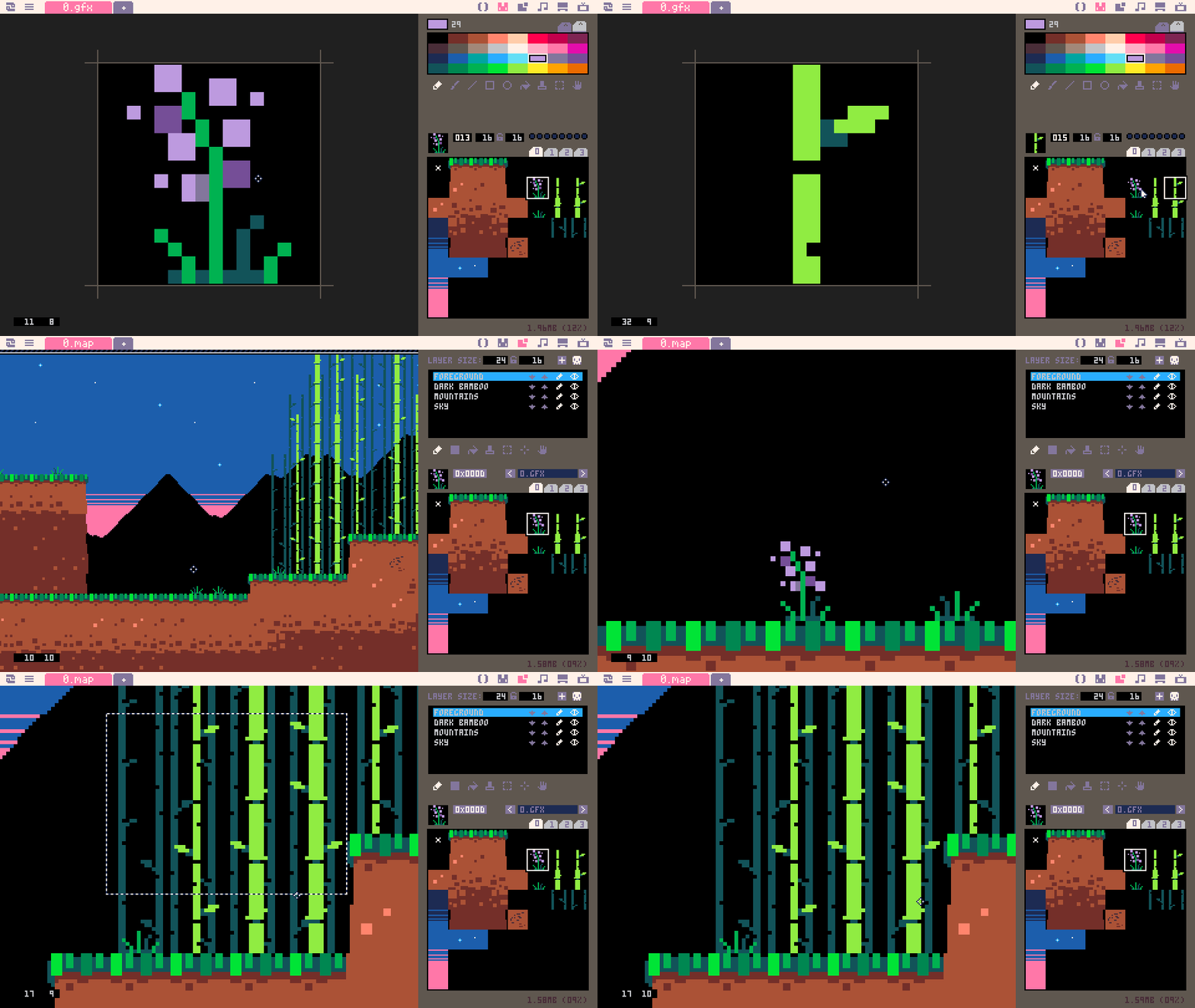
Use the built-in editors or create your own! The included editors for code, graphics, tile maps, music and sound effects are themselves all made in Picotron and use standard /system/lib libraries for handling things like unlimited undo stacks, gui, and file management.
Customise your Workstation
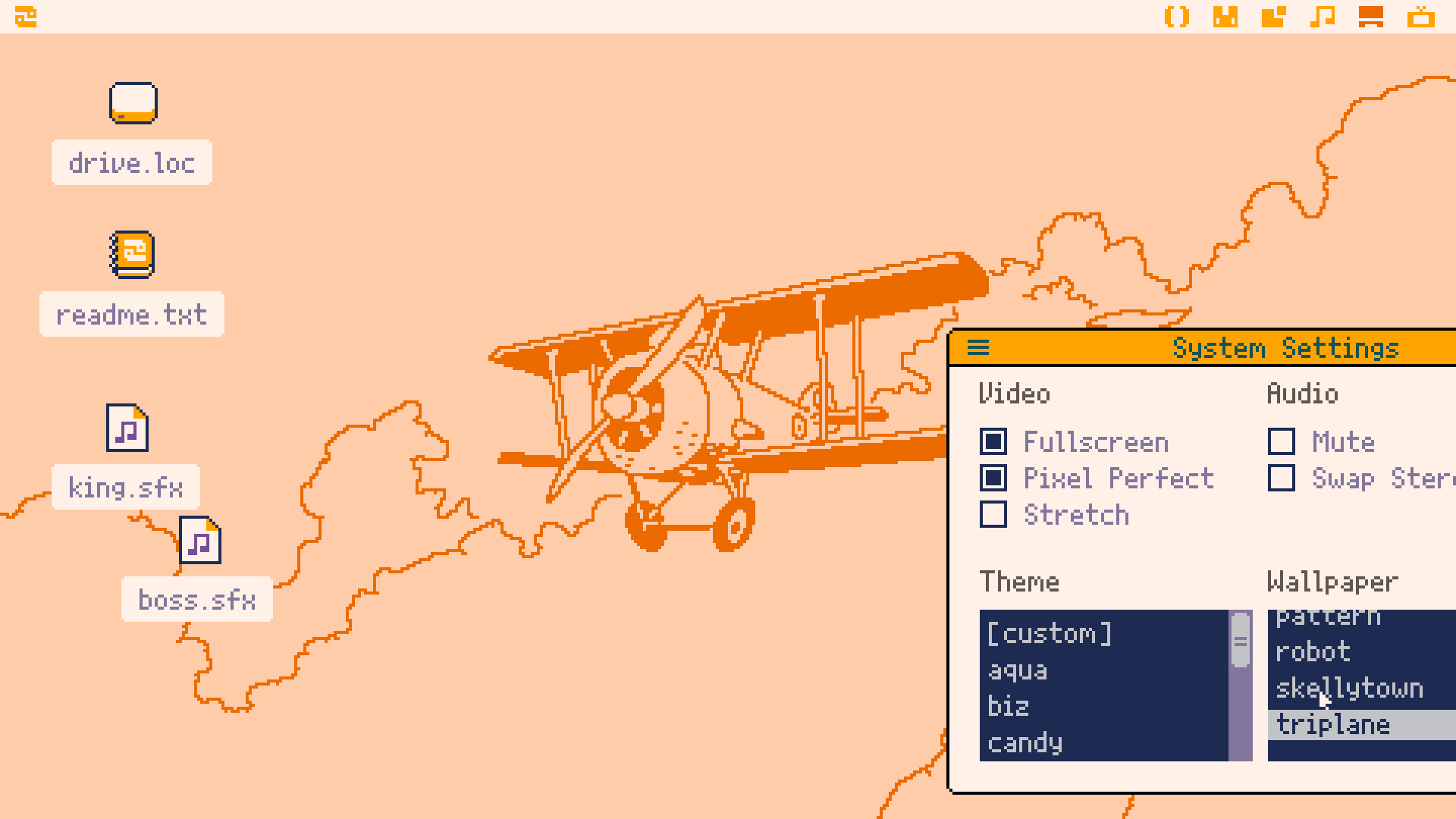
Make your own live wallpapers, screensavers, icons, widgets, and set up workflows just the way you like! Or have a look around the BBS to see what other cartridge authors are up to.
Example Wallpaper by castpixel
Next Generation Fantasy Hardware

Picotron is built on tightly integrated, flexible graphics and audio pipelines that can happily run on low powered host machines and web. They each come with a simple-to-use API for handling common things like drawing a colour-swapped sprite or triggering a sound effect, but the underlying data and machine state is all exposed in virtual RAM, offering a myriad of possibilities for those willing to venture down the rabbithole.
Status: Alpha
Picotron 0.2 is still new, but has a relatively complete API, binary and HTML exporters and BBS cartridge browsing. See the roadmap for future plans: